FoodieHub-Online-Food-Delivery
🍔 FoodieHub – Online Food Delivery Web Application
FoodieHub is a Java Full Stack Online Food Ordering Web Application developed using JSP, Servlets, JDBC, and MySQL, following a clean MVC + DAO architecture.
This project demonstrates real-world Java web application development with proper separation of concerns, layered backend design, and structured request-to-database flow. It is built as a portfolio-grade and interview-ready project that closely reflects enterprise-style Java web application practices.
🚀 Project Vision
FoodieHub simulates a complete online food ordering system where users can browse restaurants, view menus, manage a cart, and place orders.
The project focuses on:
- Clean MVC architecture
- DAO-based persistence layer
- Clear request handling using Servlets
- Maintainable and scalable Java web design
👥 Target Users
-
Customers
Browse restaurants and menus, manage cart, and place food orders. -
Admin / Restaurant Owners
Manage food items and view placed orders. -
Delivery (Future Scope)
Can be extended to support delivery tracking and order fulfillment.
✨ Features
User Features
- User registration
- Login and logout using session management
- View list of restaurants
- View menu for a selected restaurant
- Add food items to cart
- Update cart item quantity
- Remove items from cart
- Place food order
- View order confirmation and order success page
Admin / Restaurant Features
- Add food items
- Update food item details
- Delete food items
- View placed customer orders
🛠️ Tech Stack
Backend:
- Java
- JSP & Servlets
- JDBC
- MVC + DAO Architecture
Frontend:
- HTML
- CSS
- JavaScript
Database:
- MySQL
Tools & Server:
- Eclipse IDE (Dynamic Web Project)
- Apache Tomcat
- Git & GitHub
🧱 Architecture Overview (MVC + DAO)
FoodieHub follows a layered MVC + DAO architecture:
JSP (View)
→ Servlet (Controller)
→ DAO Interface
→ DAO Implementation (JDBC)
→ MySQL Database
→ Model Objects
→ JSP renders response
Each layer has a single responsibility, ensuring clean code and easy maintenance.
🔄 Application Flow
User Flow:
Home Page
→ Restaurant Listing
→ Menu Page
→ Cart
→ Order Confirmation
→ Order Success
Sample Execution Flow:
menu.jsp
→ MenuServlet
→ MenuDAO
→ MenuDAOImpl
→ MySQL
📁 Project Structure (Exact Eclipse Structure)
FoodieHub Project │ ├── src/main/java │ └── com.food │ ├── dao │ │ ├── MenuDAO.java │ │ ├── OrderDAO.java │ │ ├── OrderItemDAO.java │ │ ├── RestaurantDAO.java │ │ └── UserDAO.java │ │ │ ├── daoimpl │ │ ├── MenuDAOImpl.java │ │ ├── OrderDAOImpl.java │ │ ├── OrderItemDAOImpl.java │ │ ├── RestaurantDAOImpl.java │ │ └── UserDAOImpl.java │ │ │ ├── model │ │ ├── Cart.java │ │ ├── CartItem.java │ │ ├── Menu.java │ │ ├── Order.java │ │ ├── OrderItem.java │ │ ├── Restaurant.java │ │ └── User.java │ │ │ ├── servlet │ │ ├── CartServlet.java │ │ ├── HomeServlet.java │ │ ├── LoginServlet.java │ │ ├── LogoutServlet.java │ │ ├── MenuServlet.java │ │ ├── OrderServlet.java │ │ ├── RegisterServlet.java │ │ └── RestaurantServlet.java │ │ │ └── util │ └── DBConnection.java │ ├── src/main/webapp │ ├── images │ │ ├── restaurants │ │ └── itemimages │ │ │ ├── cart.jsp │ ├── cart.css │ ├── home.jsp │ ├── home.css │ ├── login.jsp │ ├── login.css │ ├── register.jsp │ ├── register.css │ ├── restaurant.jsp │ ├── restaurant.css │ ├── menu.jsp │ ├── menu.css │ ├── orderConfirm.jsp │ ├── orderConfirm.css │ ├── orderSuccess.jsp │ └── orderSuccess.css │ ├── WEB-INF │ ├── lib │ └── web.xml │
.gitignore
README.md
🖼️ Screenshots & UI Flow
All UI screenshots are organized to clearly represent the actual user navigation flow in the application.
Screenshots are named using SEO-friendly conventions to improve GitHub readability and recruiter visibility.
📸 UI Screenshots – FoodieHub
This folder contains UI screenshots of the FoodieHub application.
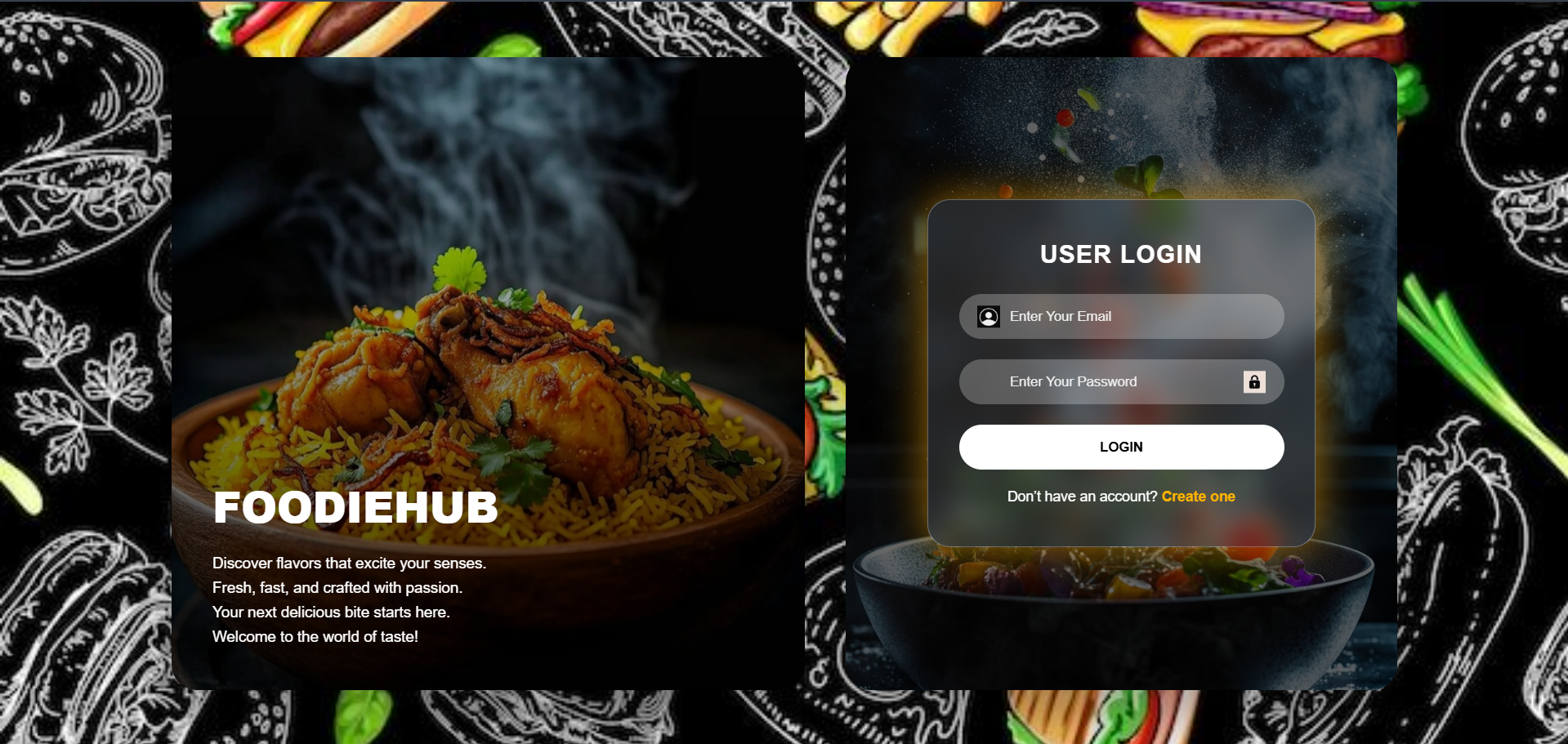
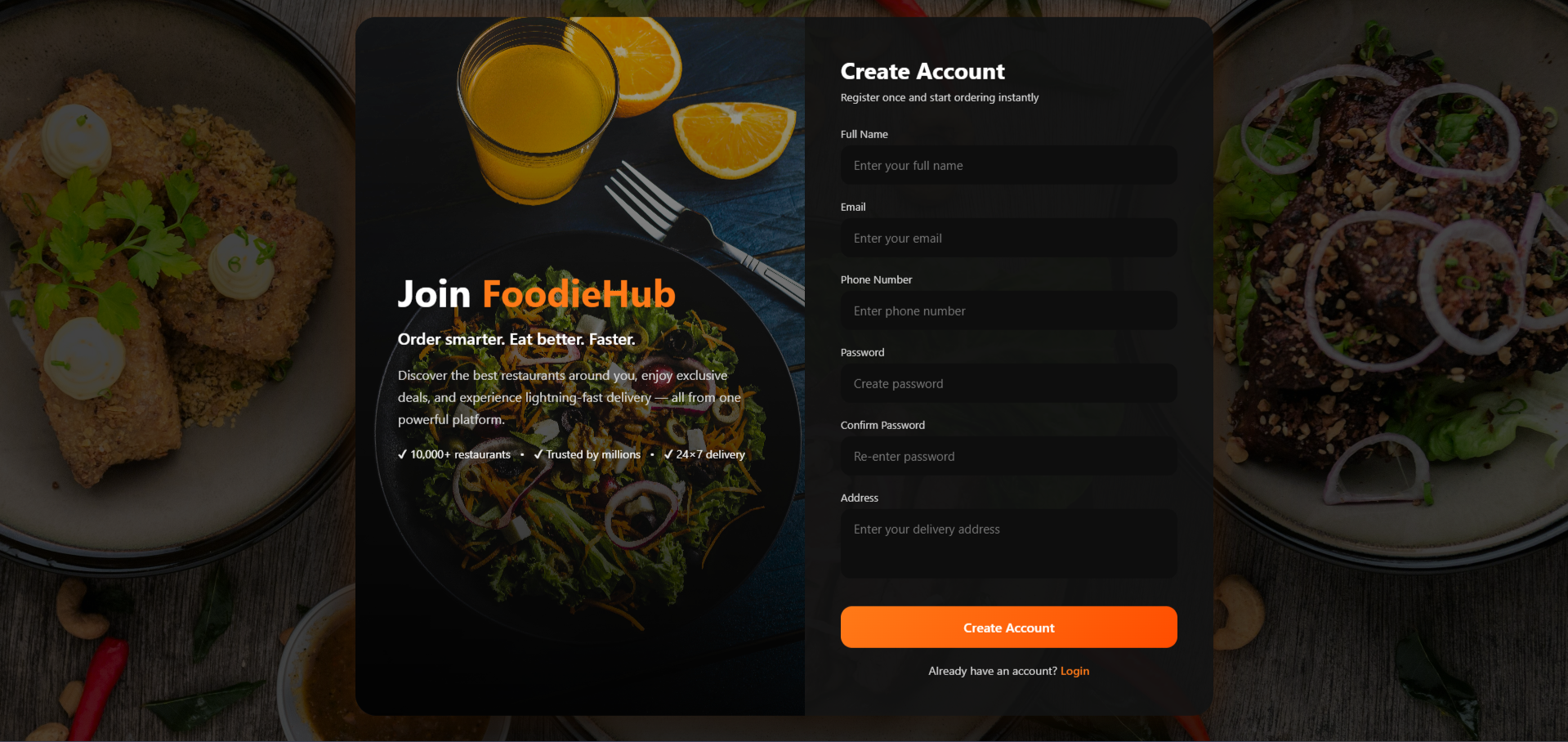
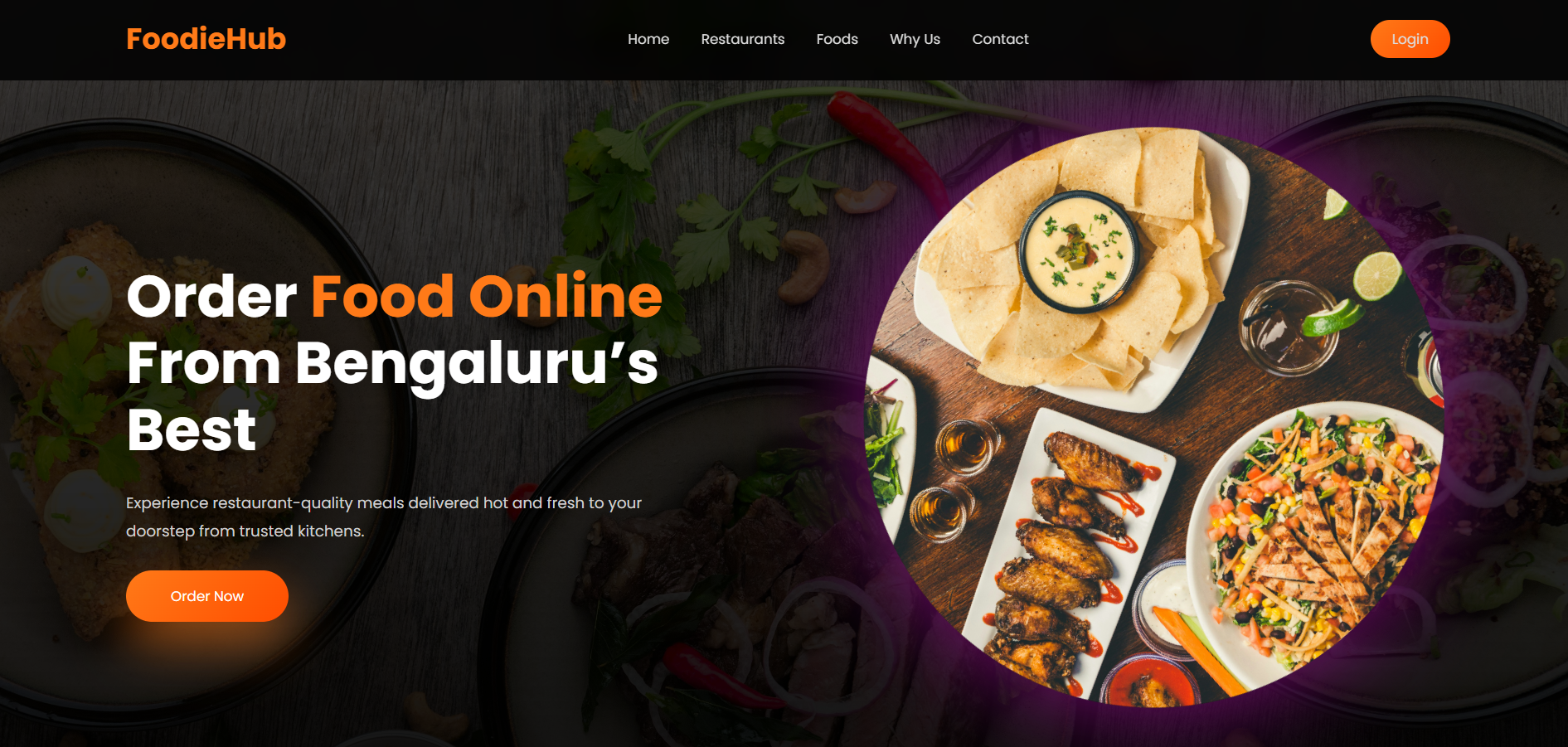
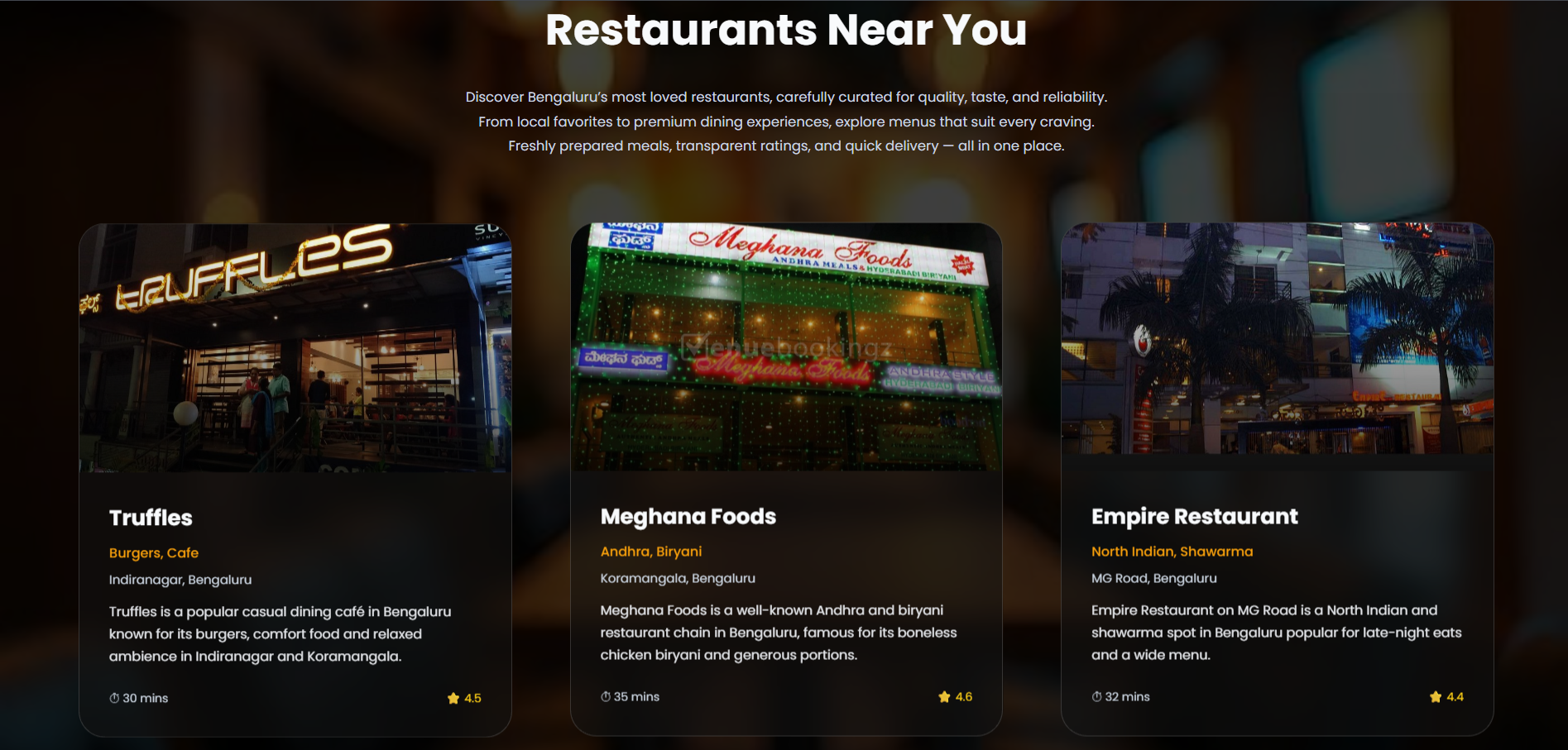
The screenshots are organized according to the actual user navigation flow: Login → Register → Home → Restaurant → Menu → Cart → Order Confirmation → Order Success.
All images reflect real JSP pages from the application and are intended for GitHub reviewers and interview discussions.
assets/screenshots
assets/screenshots ├── login-page │ └── foodiehub-login-page.png │ ├── register-page │ └── foodiehub-register-page.png │ ├── home-page │ └── foodiehub-home-page.png │ ├── restaurant-page │ └── foodiehub-restaurant-listing-page.png │ ├── menu-page │ └── foodiehub-menu-page.png │ ├── cart-page │ └── foodiehub-cart-page.png │ ├── order-confirm-page │ └── foodiehub-order-confirmation-page.png │ └── order-success-page └── foodiehub-order-success-page.png
Screenshot usage examples:
Login Page:
Register Page:
Home Page:
Restaurant Listing Page:
Menu Page:
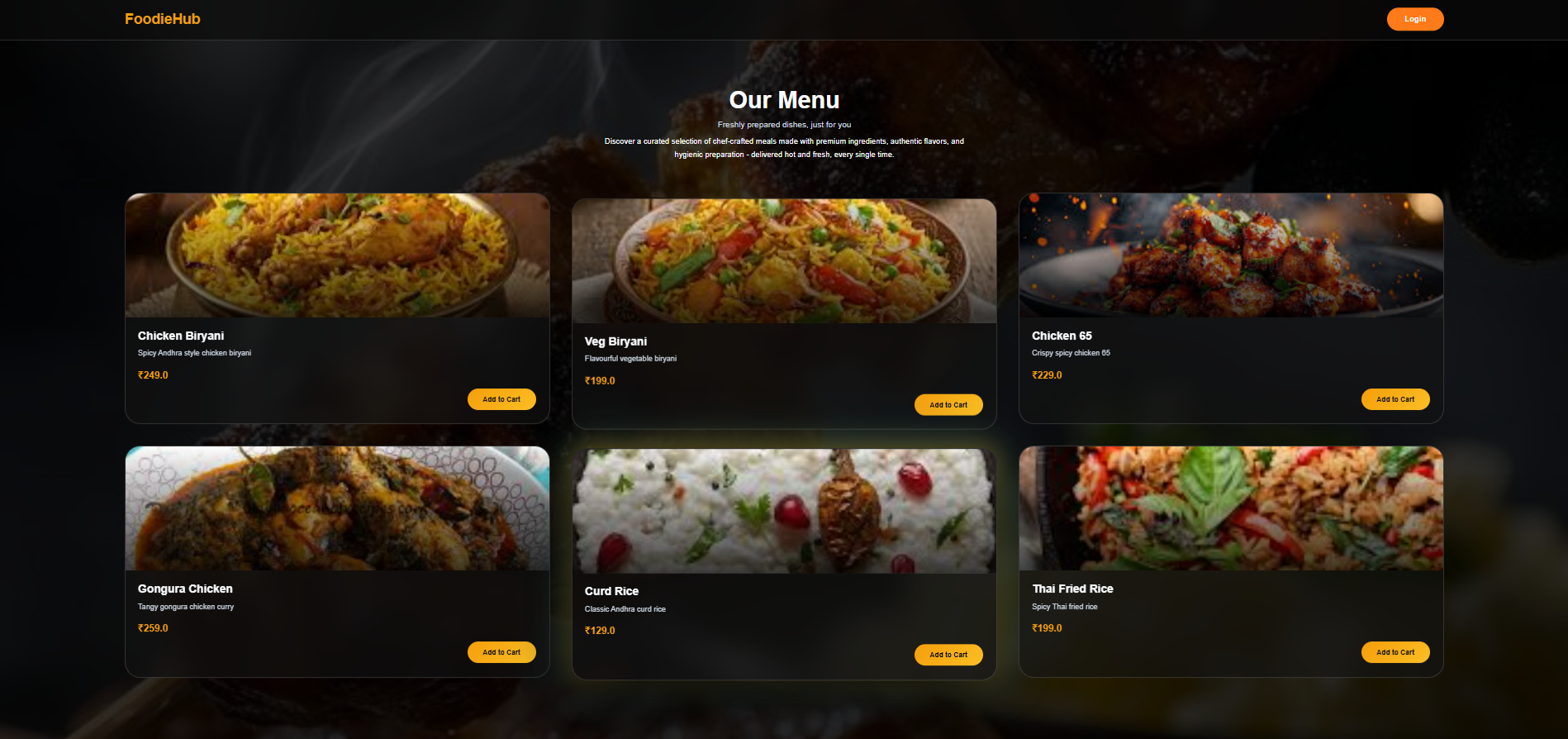
Cart Page:
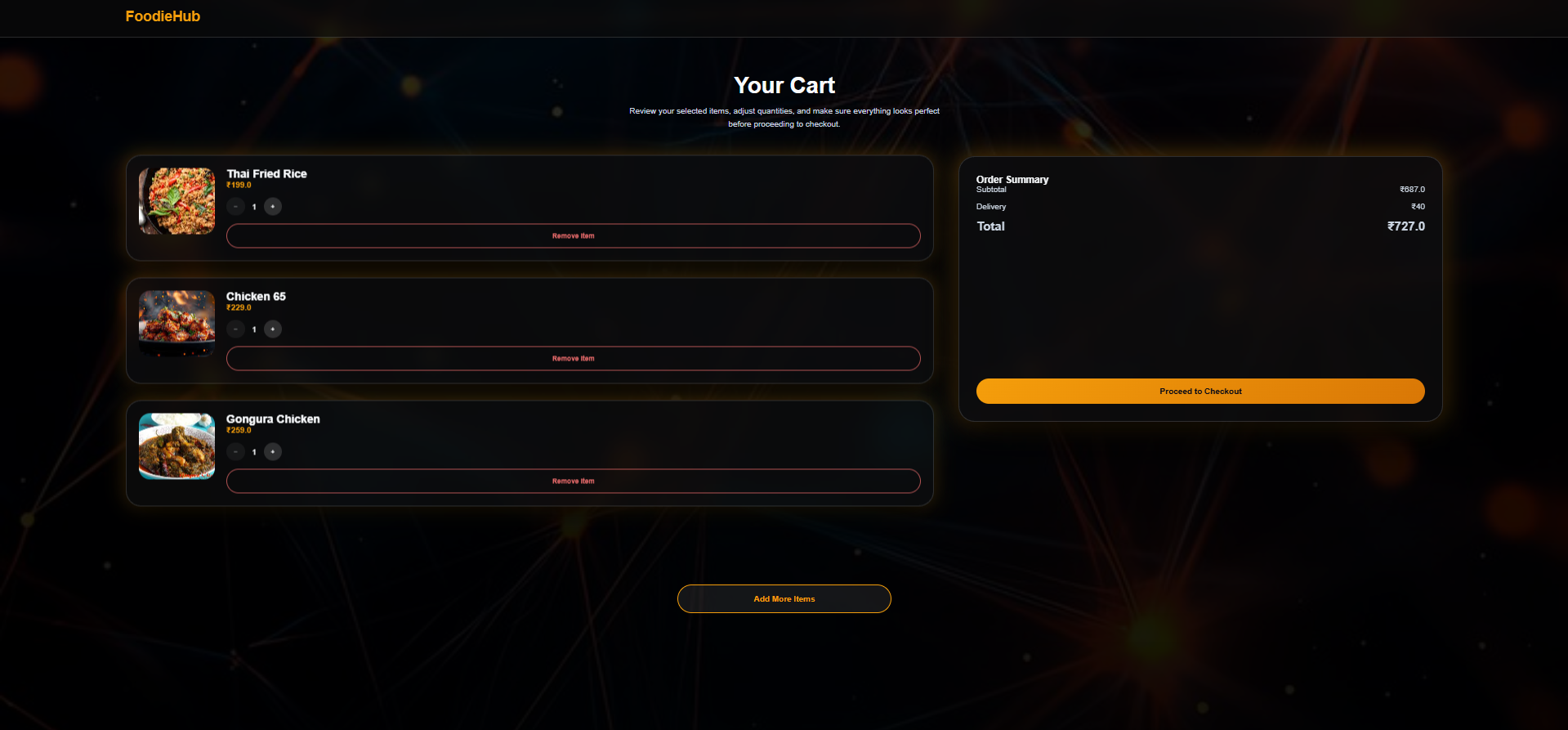
Order Confirmation Page:
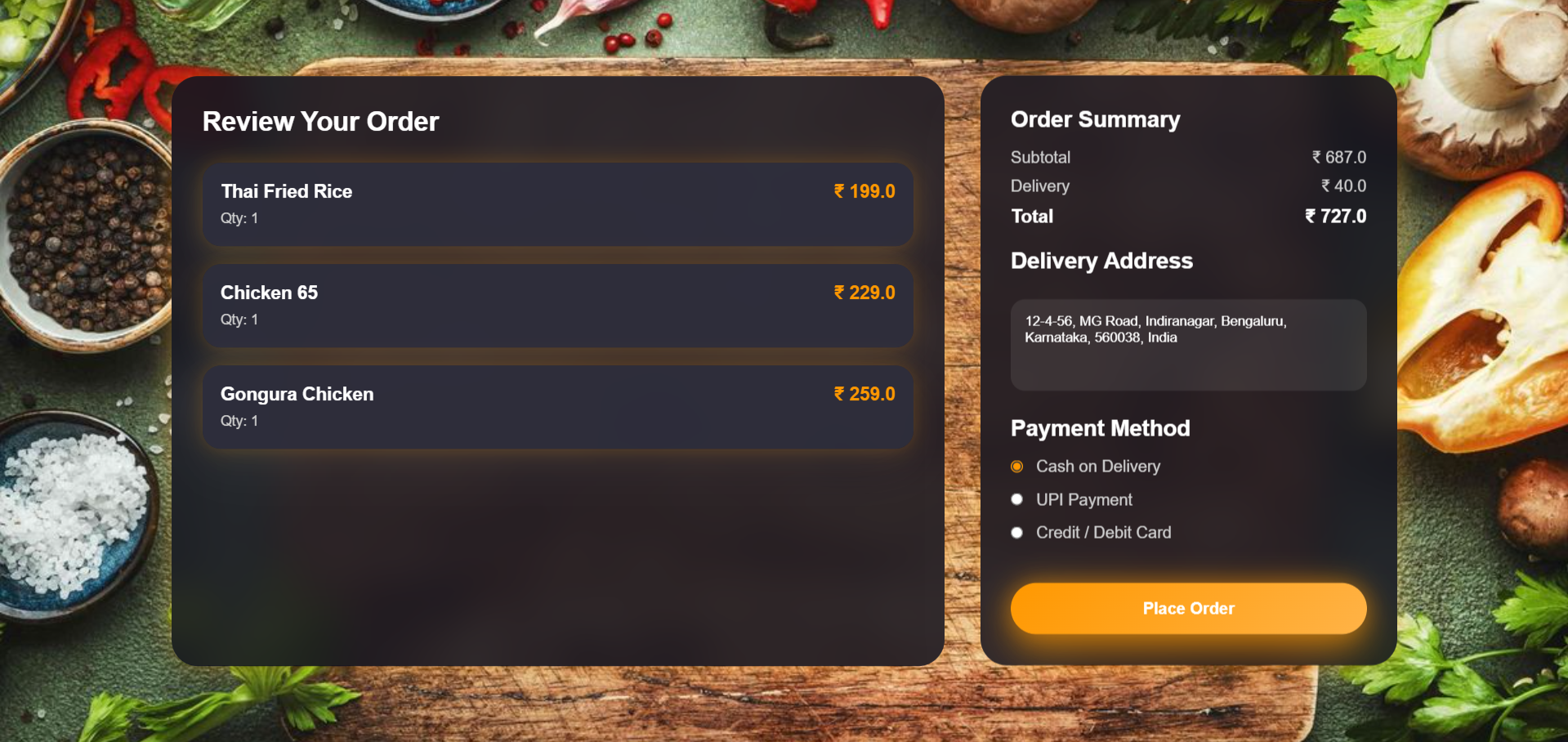
Order Success Page:
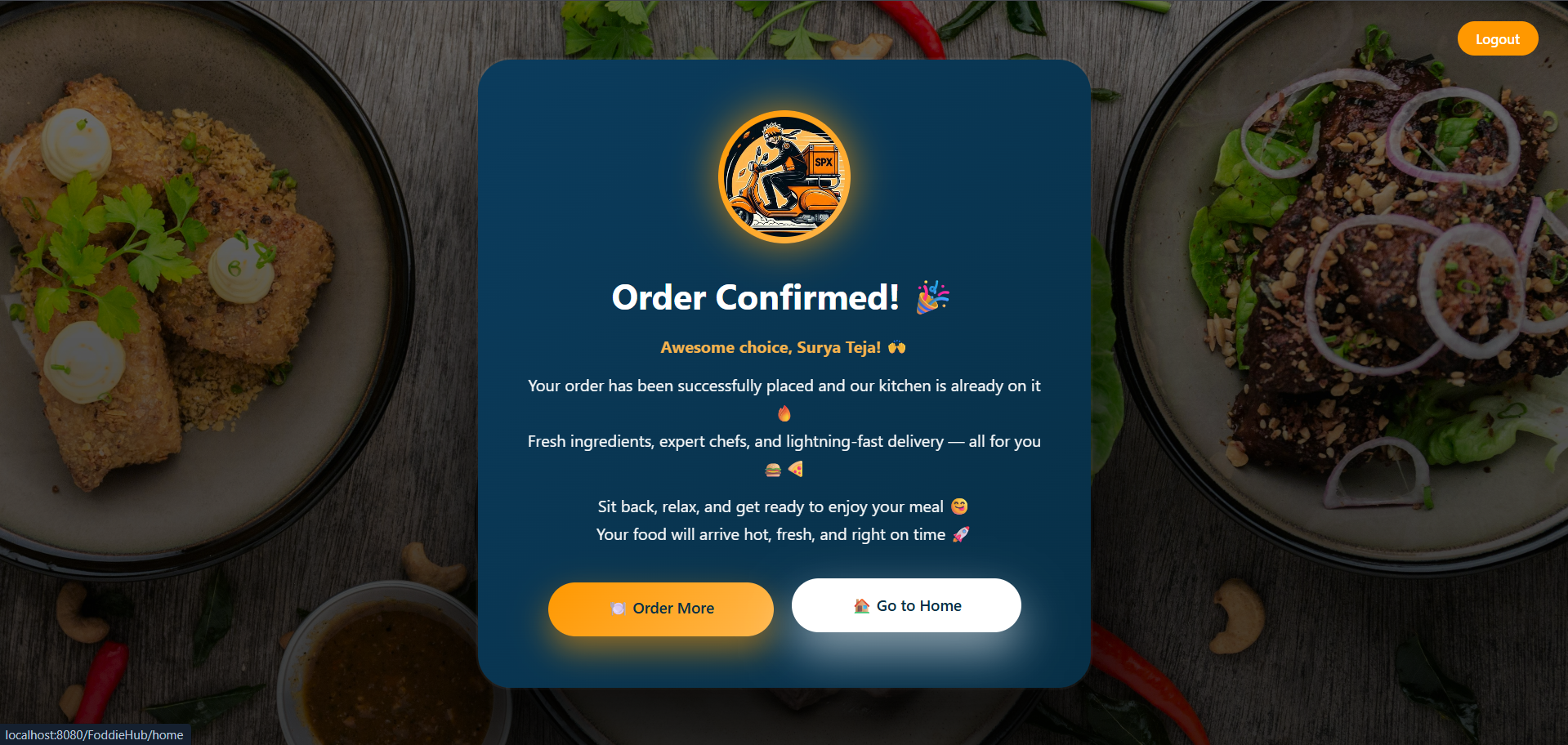
🗄️ Database Design
Database Name: online_food_delivery
Tables:
- user
- restaurant
- menu
- orders
- orderitem
Database View:
- v_order_billing (consolidated billing and order summary)
All SQL scripts and sample data are available inside the database folder.
⚙️ Setup & Run Instructions
Prerequisites:
- Java 8 or higher
- Eclipse IDE
- Apache Tomcat
- MySQL
Steps:
- Clone the repository
- Import the project into Eclipse as a Dynamic Web Project
- Configure Apache Tomcat server
- Execute SQL scripts from the database folder
- Update database credentials in DBConnection.java
- Run the project on Tomcat
- Access the application through browser
🔐 Security Notes
- Database credentials are masked or excluded
- Sample data uses dummy values
- .gitignore prevents committing sensitive and IDE-specific files
🔮 Future Enhancements
- Payment gateway integration
- Role-based access control using filters
- Delivery tracking module
- Spring Boot REST API version
- React frontend upgrade
🎯 Interview Highlights
- Clean MVC + DAO architecture
- JDBC-based persistence layer
- Session-based cart management
- Proper servlet responsibility segregation
- Realistic enterprise project structure
👨💻 Author
Surya Teja Java Full Stack Developer
FoodieHub – Java Full Stack Project
⭐ If you like this project, feel free to star the repository!